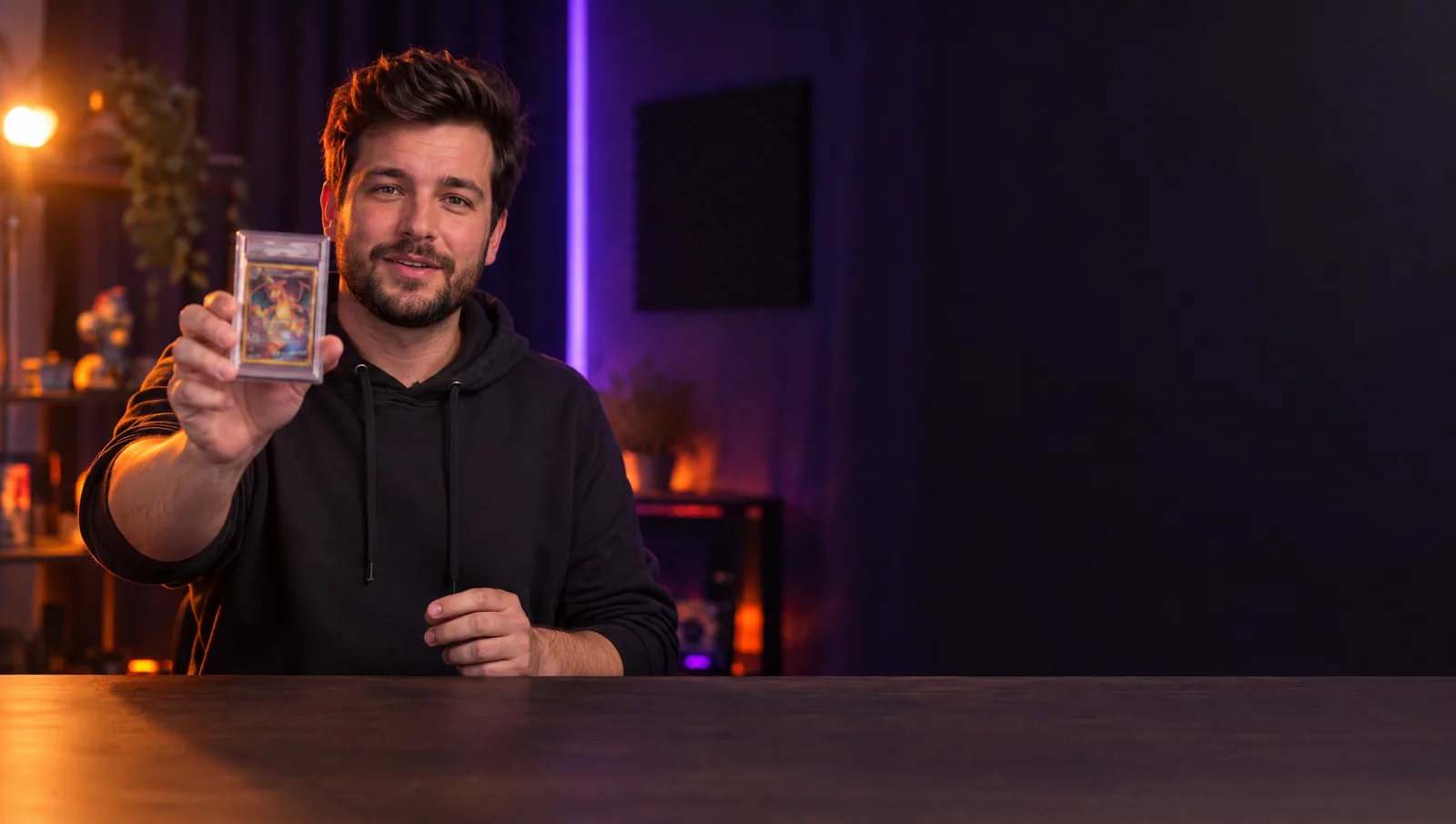
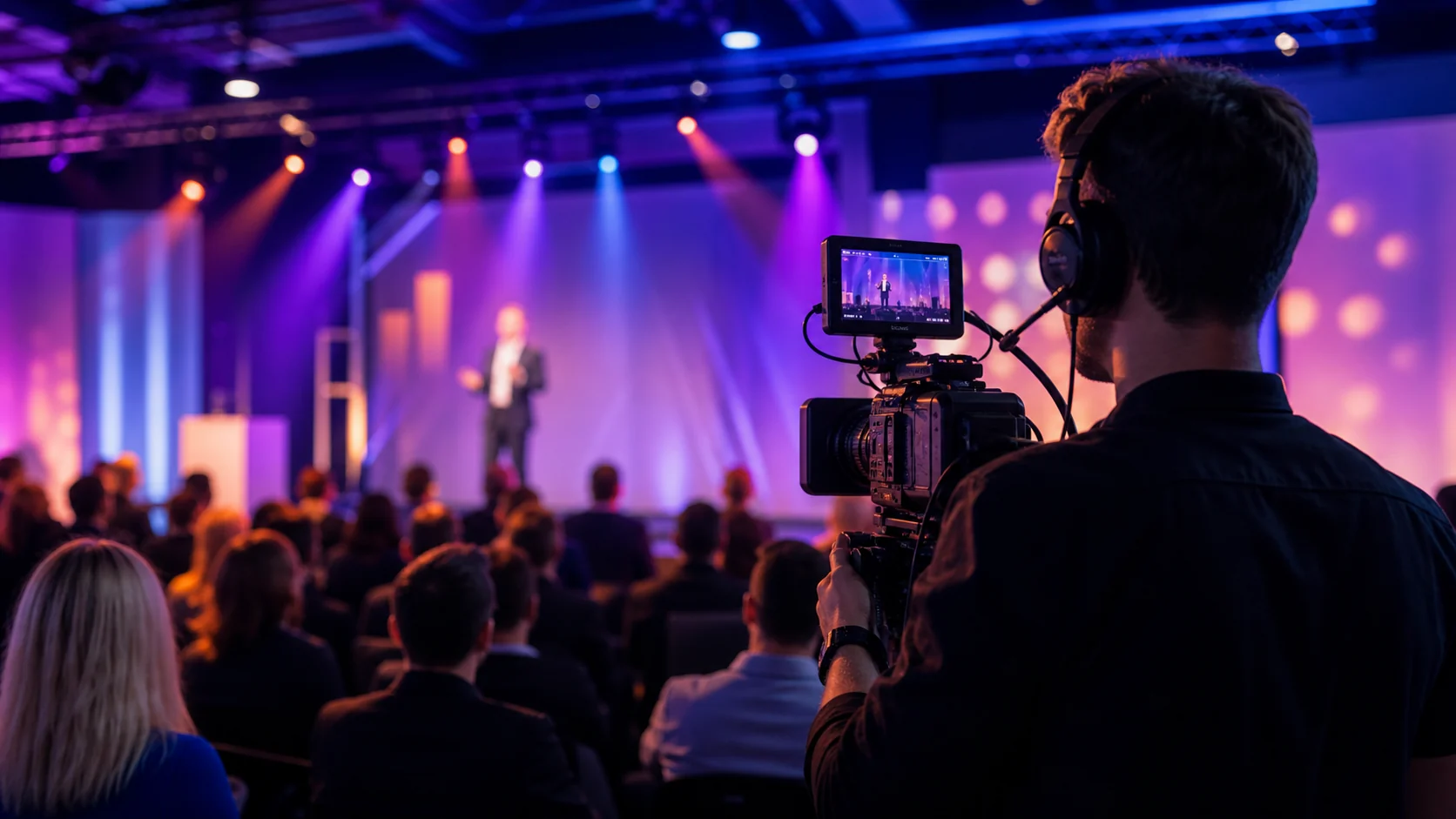
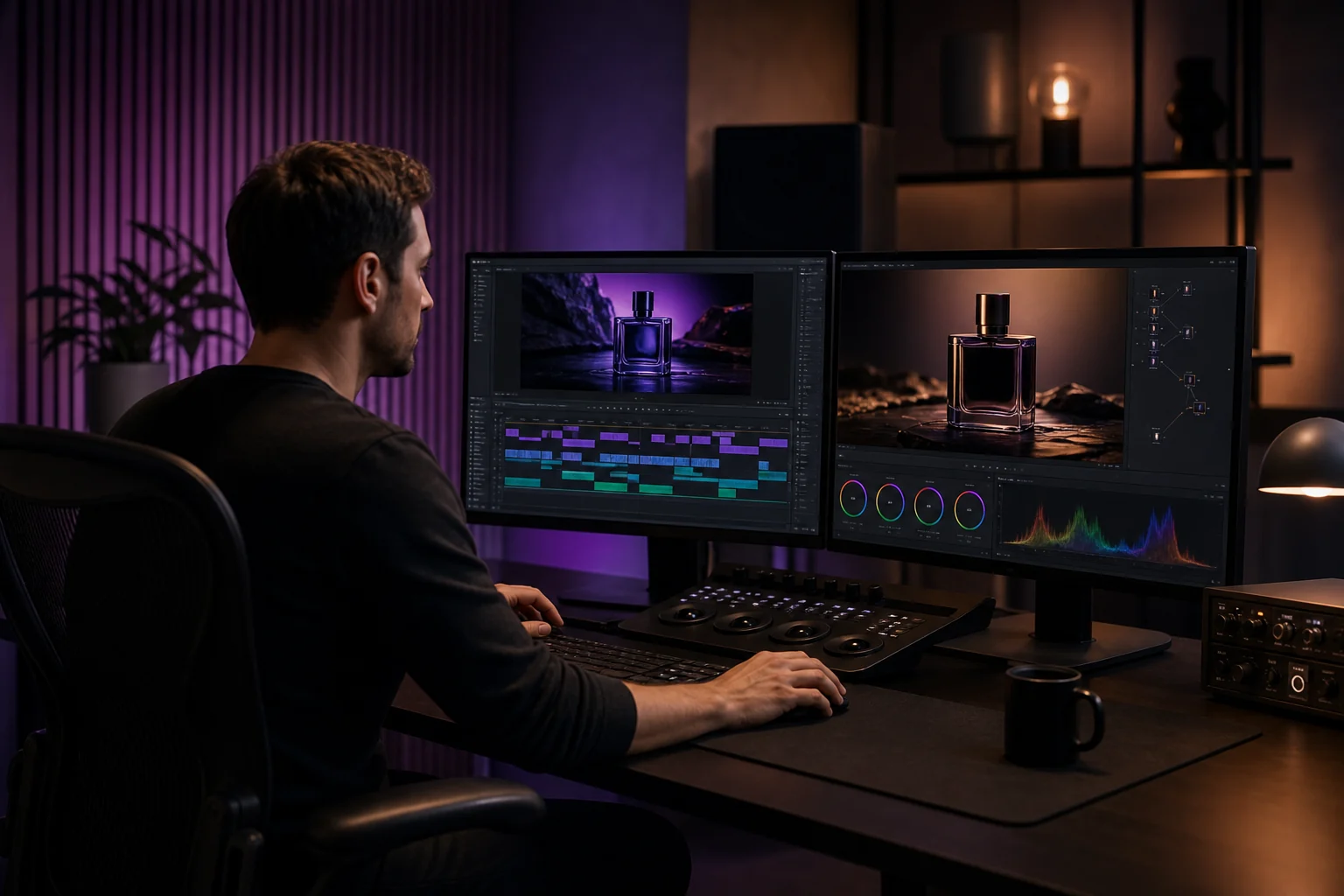
One crew for the whole stream, from the room to the overlays.
Most streams look homemade because they are built in pieces - a webcam here, a lamp there, a free overlay someone found online. We build the whole thing as one system.
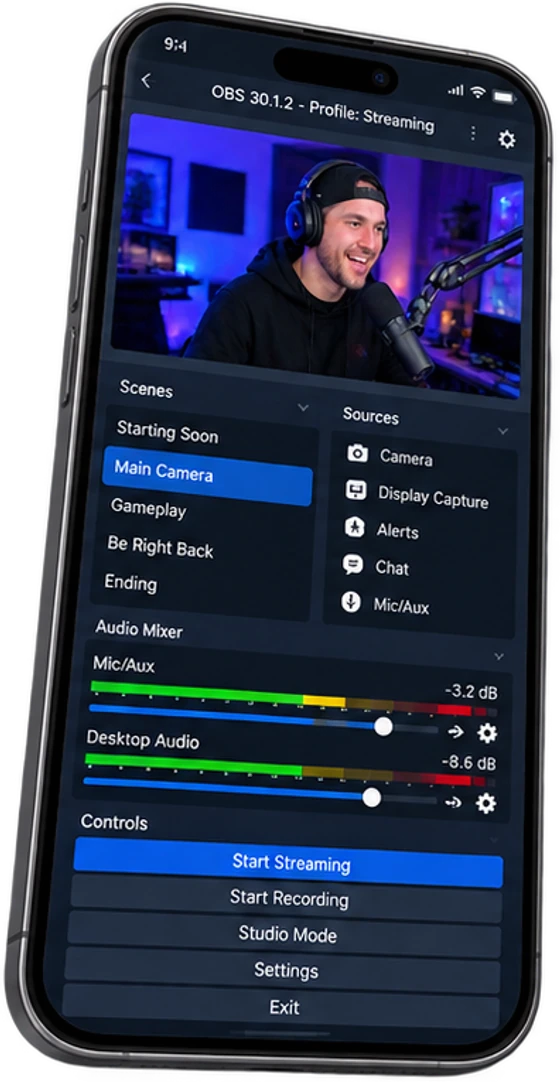
We design the room, build the PC, place the cameras and lights, tune the audio, and set up OBS with scenes that match your brand. Then we train you on it.
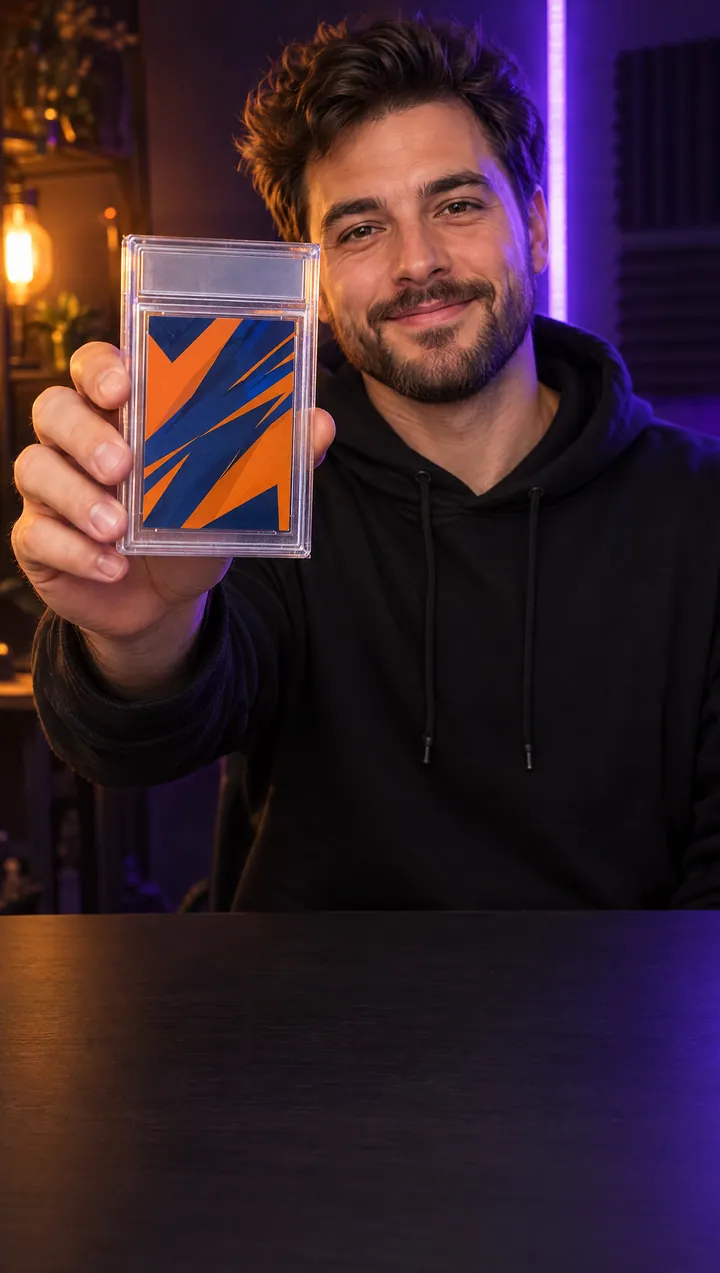
You go live looking like a channel, not a bedroom, and the stream holds when the bids start.
Studio Build
We design the room, run the cables, and treat the sound so the space works on camera.
Streaming PCs
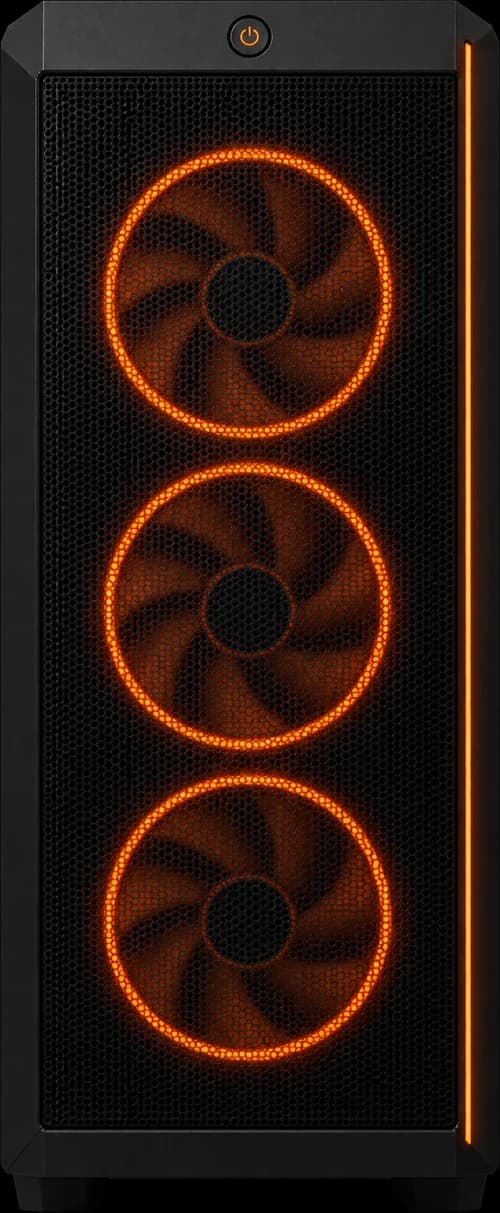
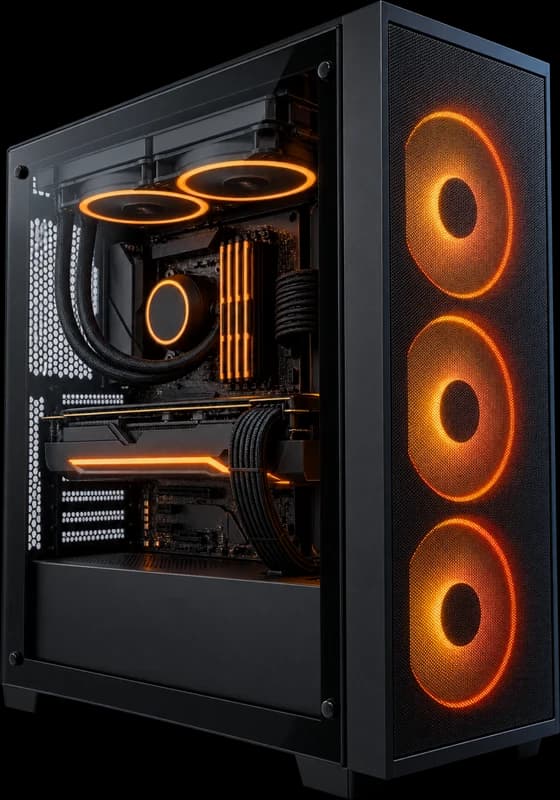
Built to encode and play at once, tested on your platform before it ships anywhere.
Live Studio Widgets
Our own app. Card sliders, counters, countdowns and team boards you can build and change yourself.
We Stay
Training for whoever runs the show, and support on call when you go live.
What We Set Up
STUDIODESIGN&BUILD
AROOMTHATWORKSONCAMERA
Studio Design &Build
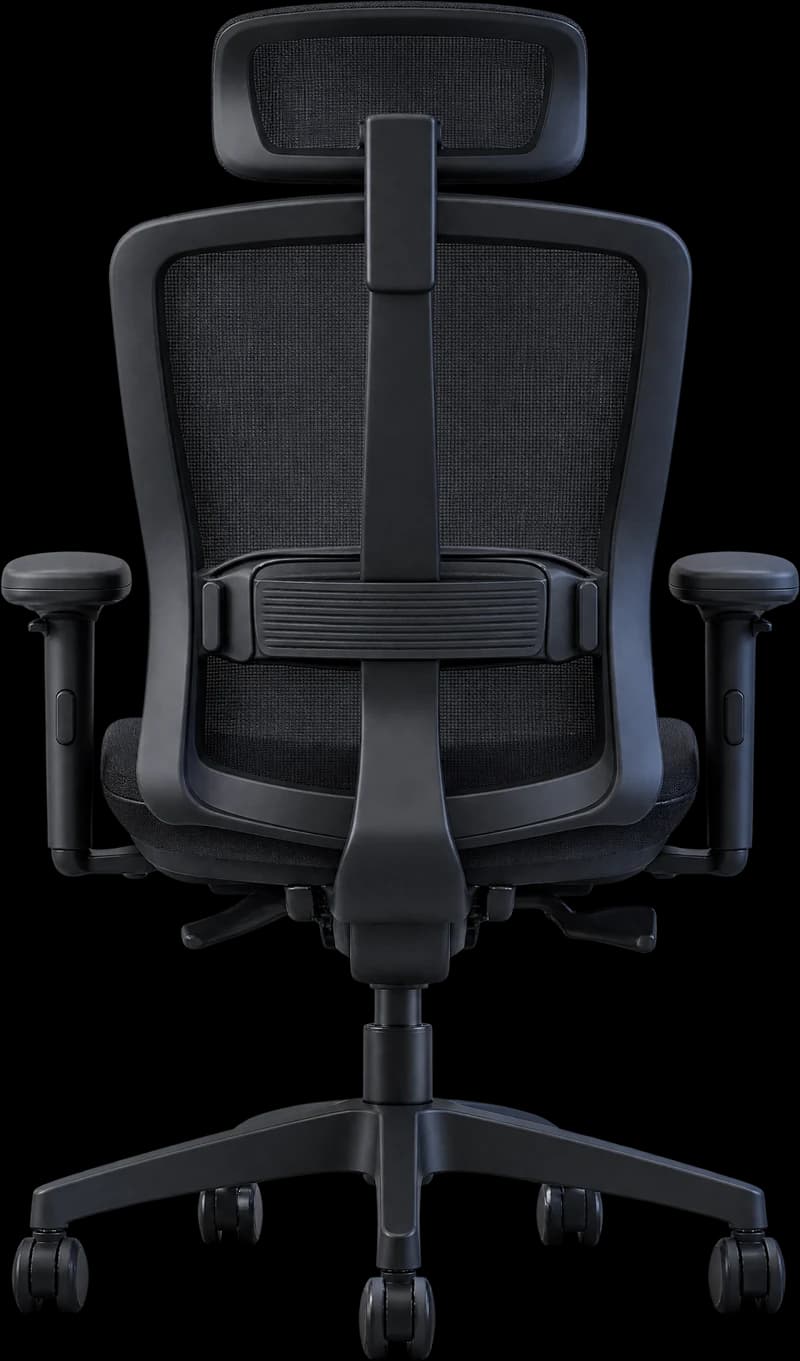
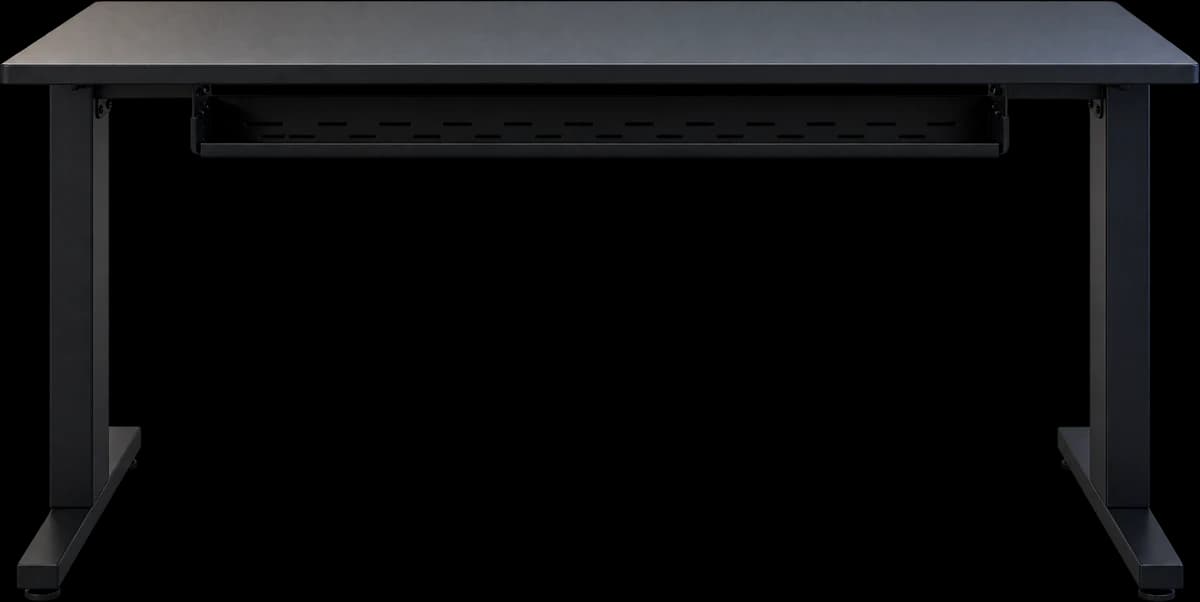
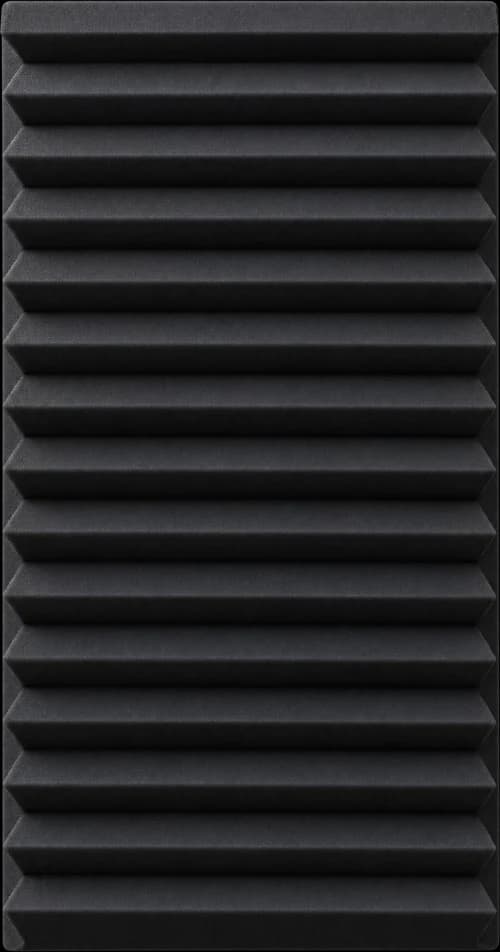
Layout, desk, backdrop, acoustic treatment and cable management, planned as one room rather than a pile of gear.
We measure the space, work out sight lines and light, and build it clean so the wiring never shows up on stream.
A space that looks intentional on camera and stays tidy off it.
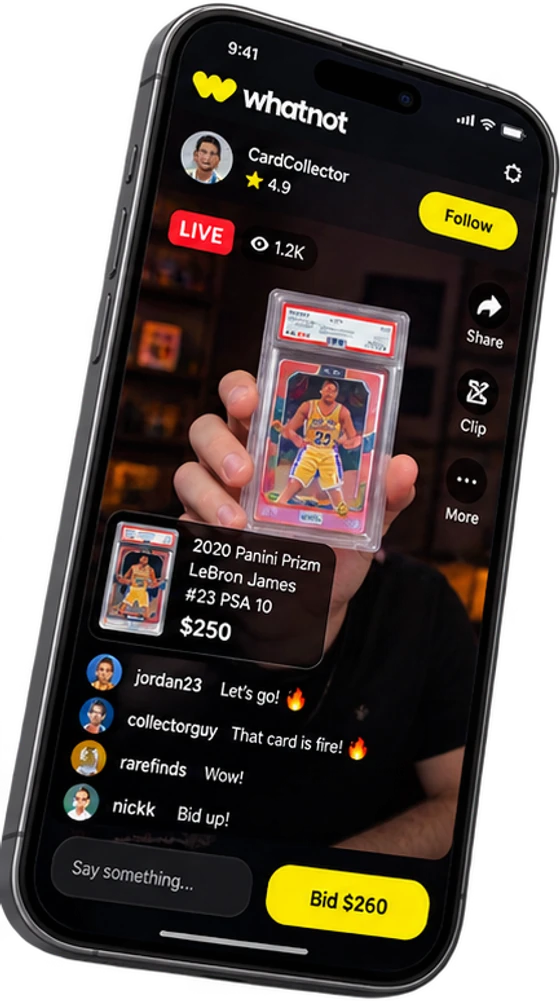
Every widget on this stream was built in Live Studio. Try the deck.
9:41
Live1,200
24.6K856342
jordan23Let's go!
collectorguyThat card is clean
rarefindsBid up!
nickkHow much shipping?
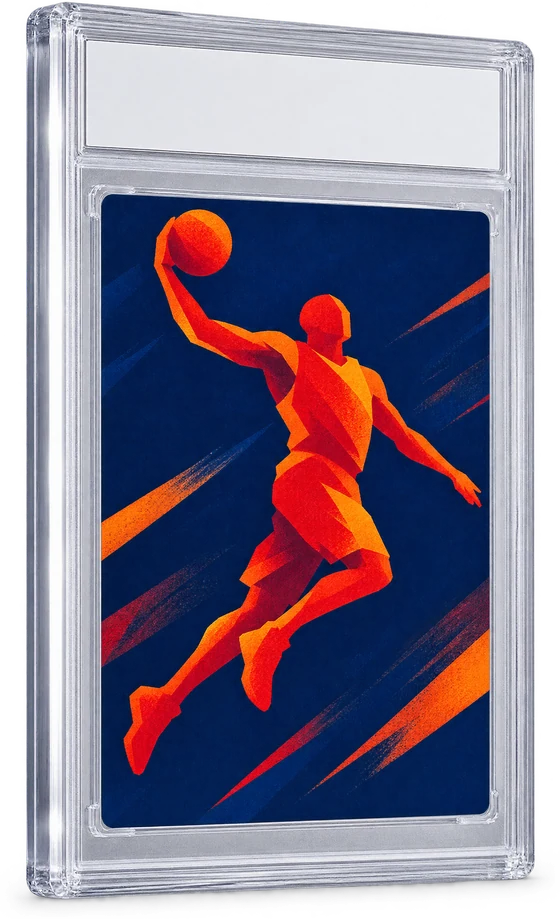
Graded Rookie Auto$250Bid $260
Pick a key
BusynessLiveStudio
Our own Windows app. It puts your cards, counters, timers and team boards into OBS, and lets you change them while you are live. No refresh, no designer on call.
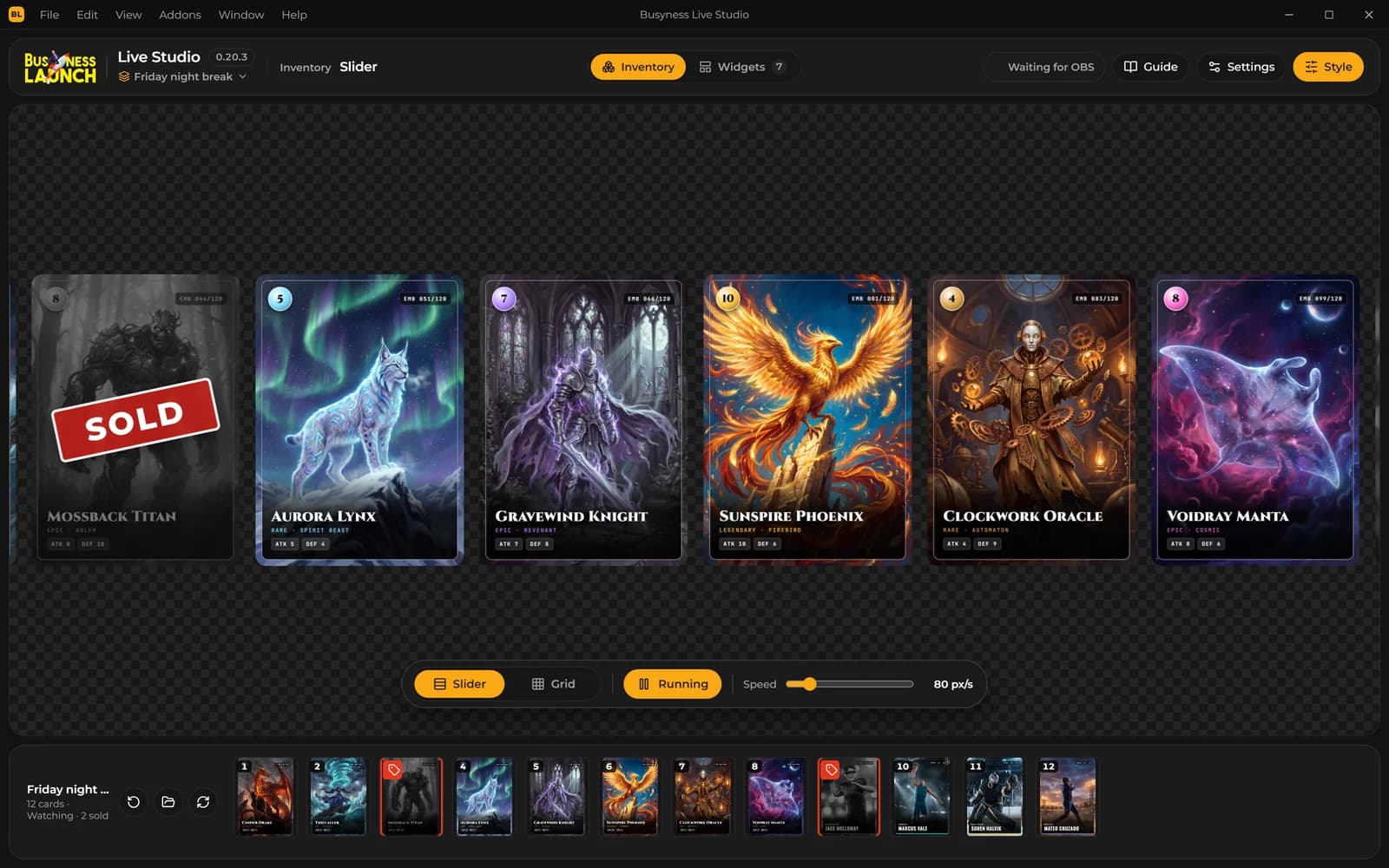
Your card folder on stream as a moving slider or a grid. Mark a card sold with one click
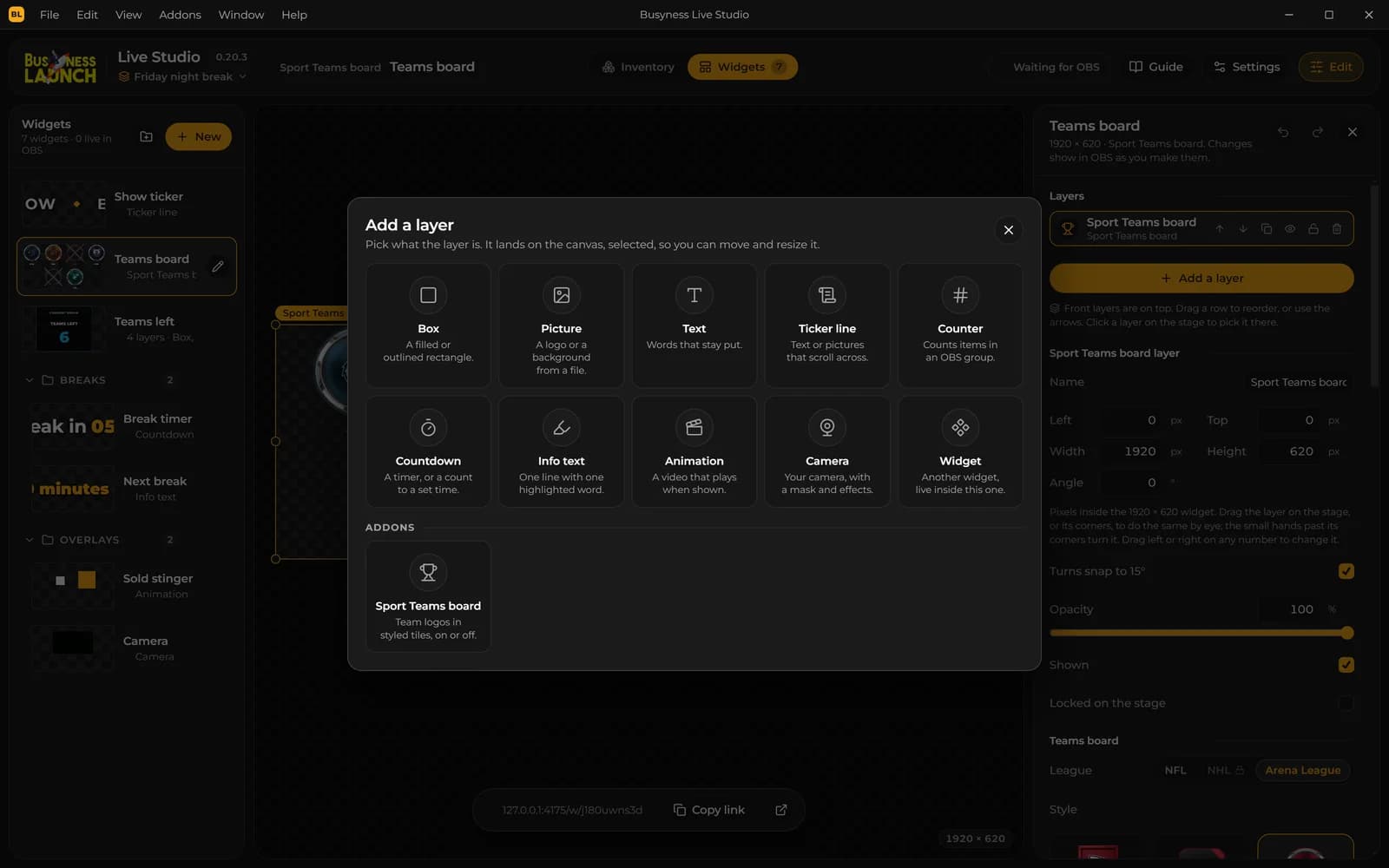
Build overlays from layers: ticker, counter, countdown, animation, camera, text and pictures
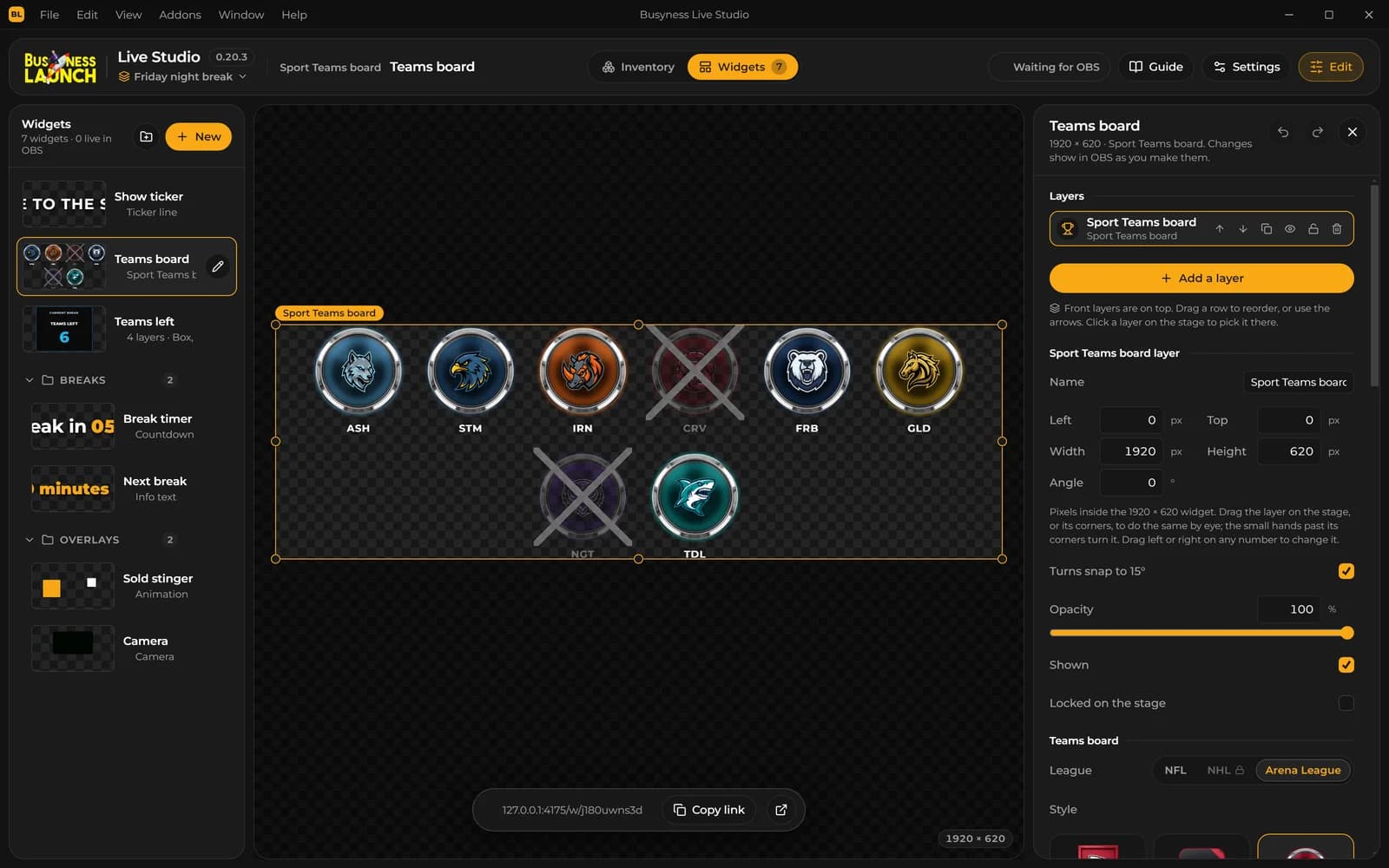
Every change shows in OBS at once. Nothing to refresh or re-paste
Team breaks: click a team when it sells and the counter drops by one
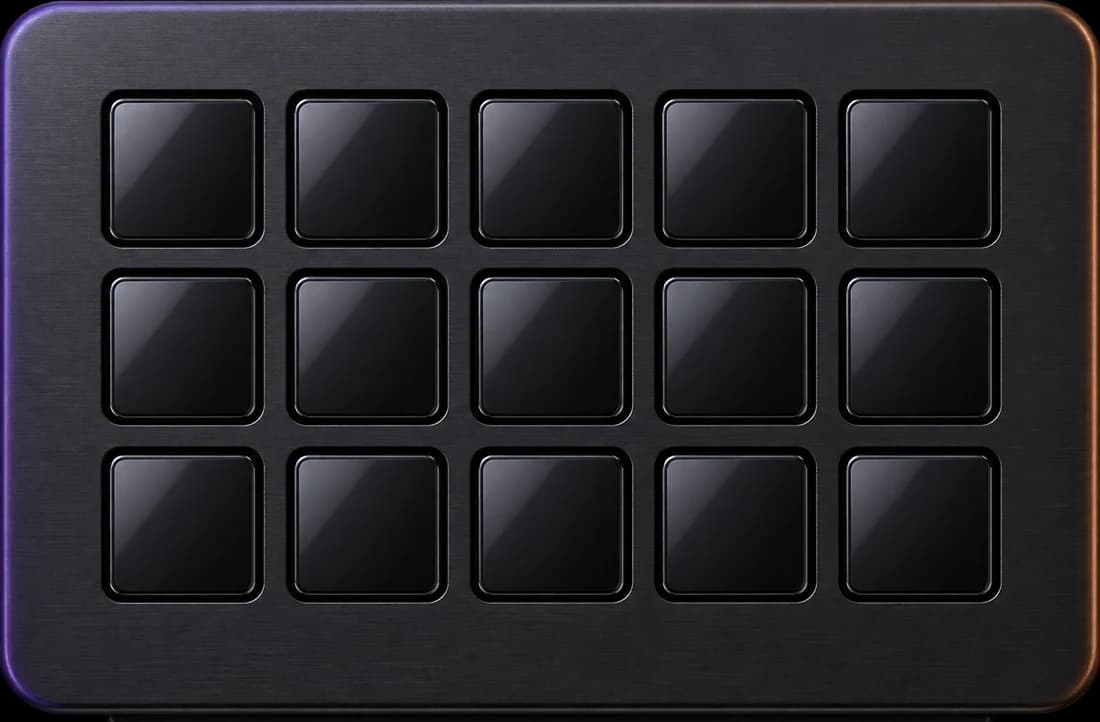
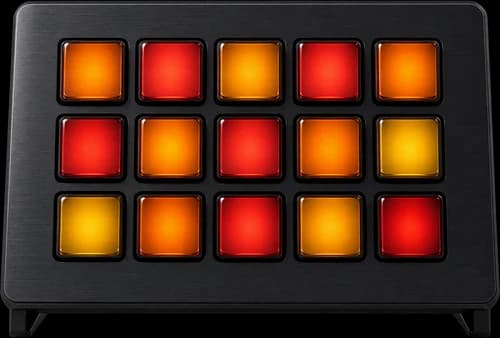
Run it from a Stream Deck, from hotkeys, or from the app. It all runs on your PC, so there is no cloud lag
This is the order we work in. Every piece goes in for a reason, and nothing is plugged in before the thing it depends on.
Stage One
Desk & Power
We start with the surface and the machine under it. Desk depth, chair height and cable routes are set before anything gets plugged in.
Stage Two
Cameras
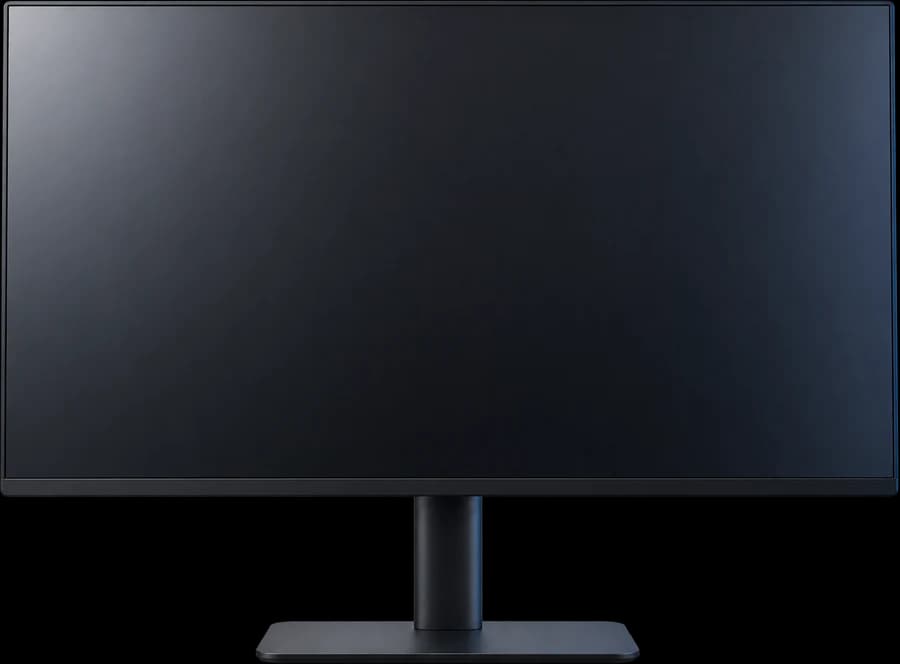
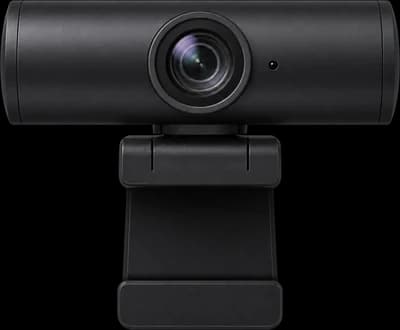
Monitors go up on tall stands, then the camera on top - framed so you and the item are both in shot.
Stage Three
Light
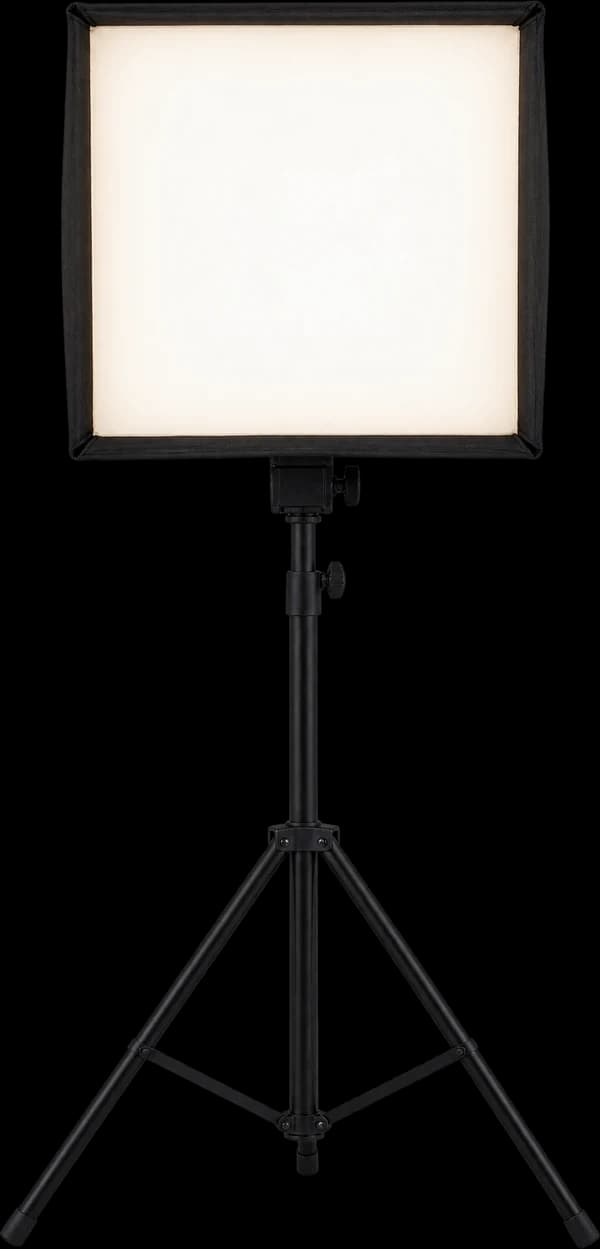
Key and fill for the camera you own, an accent strip on the backdrop, and a panel that kills the echo behind you.
Stage Four
Sound
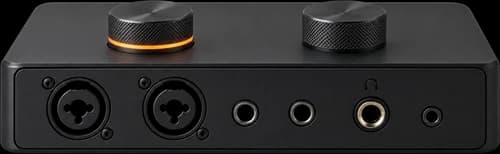
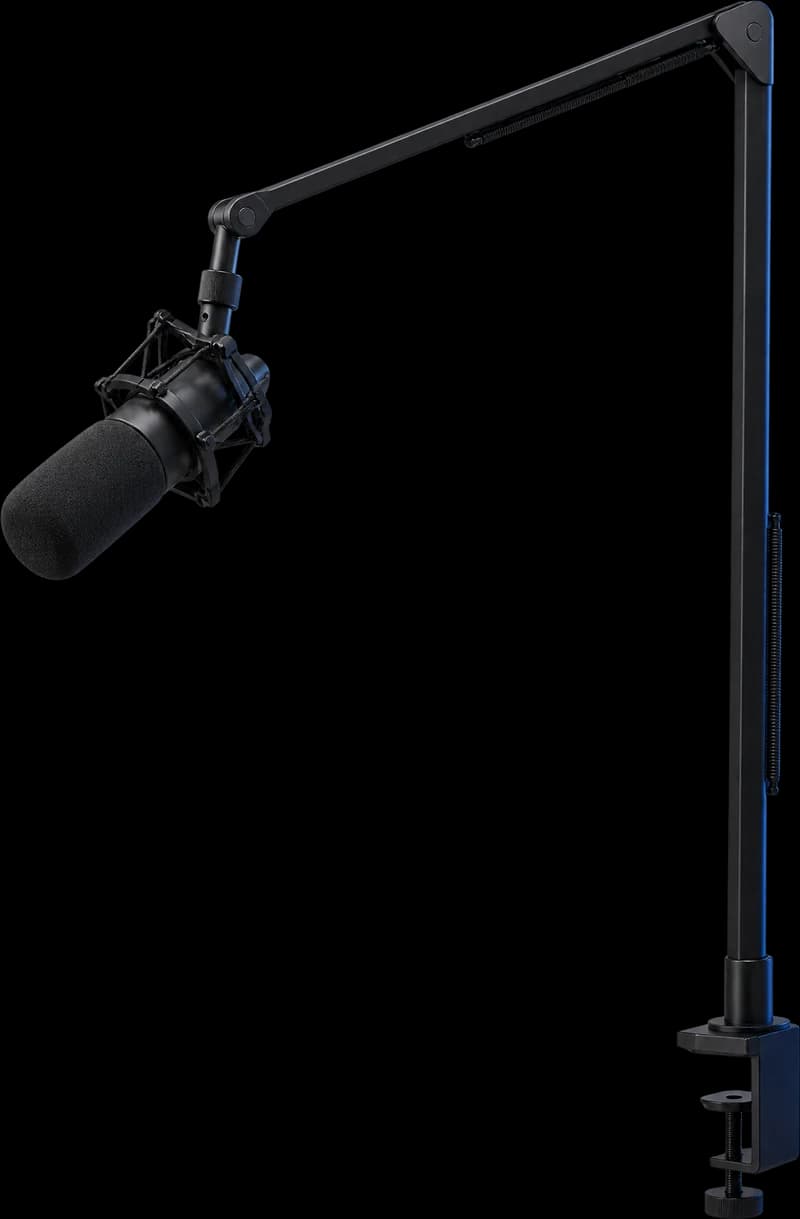
Mic on a boom arm, interface on the desk, levels set once to the room. Clear enough that nobody asks you to repeat the price.
Stage Five
Control
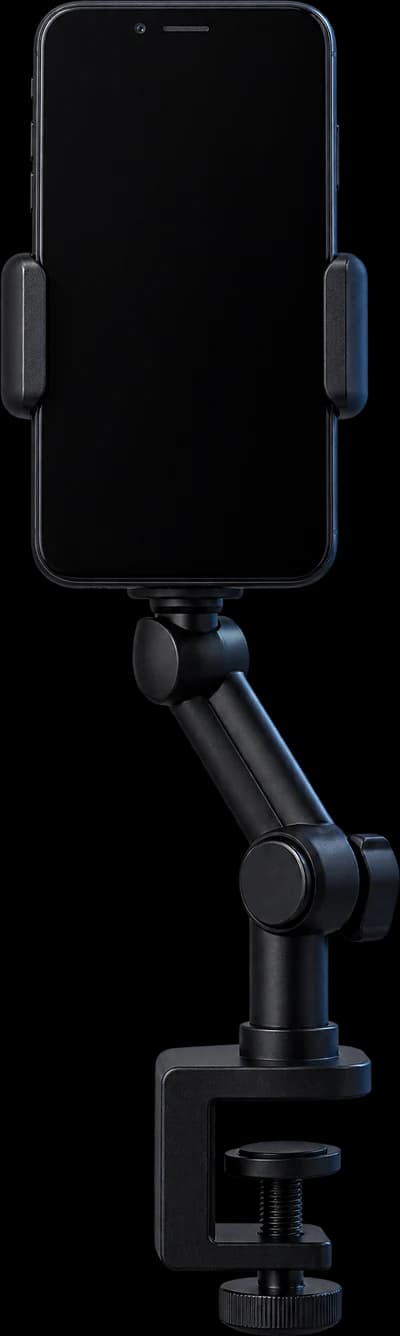
Stream Deck, phone on a clamp for the vertical feed, and the sign that says you are live. Then we run a real show with you.
On Air
Build0%
PickYourStreamingPC
Two builds we ship most. Take the Starter as it comes, or spec the Pro to your show - then send it over and we price it against current parts and your platform.